Planning a site and unsure whom to hire? In ux vs ui design, UX covers how the product works and feels, while UI covers how it looks and what you touch.
This guide is part of our web design basics series, so it sticks to what you need to brief a designer with confidence.
| Item | Value |
|---|---|
| UX scope | Any interaction a user has with a product |
| UI scope | Anything a user interacts with to use a digital product |
| Core focus | UX: how well it works and feels; UI: how it looks |
| Term “user experience” coined | Early 1990s |
| Usability focus group size | 3-5 target users |
The definitions and the focus-group size come from Baymard Institute and freeCodeCamp. Figures and definitions can change, so check the source before you rely on them.
What UX design covers
User experience is, in Baymard’s definition, any interaction a user has with a product. That reaches well beyond a single screen: it includes whether you can find what you need, finish a task and feel good about doing it.
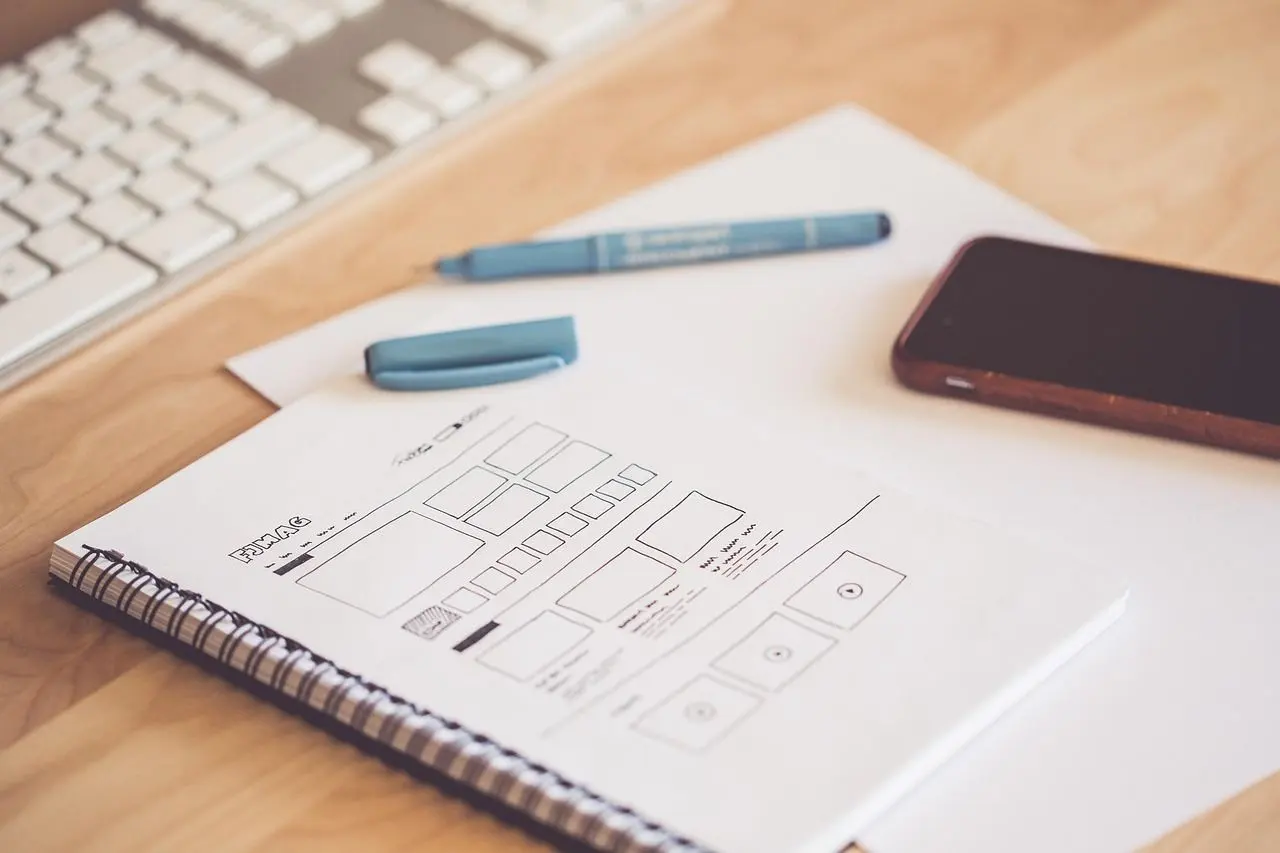
UX work usually starts with research. Designers then turn what they learn into wireframes, which guide the UI designers and the rest of the build.
Research can be qualitative or quantitative. For the qualitative side, freeCodeCamp lists interviews and focus groups of 3-5 target users for usability testing.
Good UX is also about iteration. Designers keep checking whether the site still meets changing user needs instead of treating the launch as the finish line.
What UI design covers
The user interface is, per Baymard, anything a user interacts with to use a digital product. UI design guides people through the product using visual and interactive elements such as:
- Menu bars and buttons
- Icons
- Color palettes
- Typography
A UI designer takes the wireframes and builds consistent, polished, accessible interfaces that people of all ages and technical levels can use, as Baymard explains. The same source says UI designers also adapt interfaces to different screen sizes while keeping the brand’s strengths.
On many teams, Built In says UI designers typically create mid- and high-fidelity prototypes and hand them to the engineering team.
UX vs UI design side by side
freeCodeCamp sums it up this way: UX design focuses on how well the product works and how the user feels, whereas UI design focuses on how the software looks. Here is how that plays out in practice:
- Main question: UX asks whether people can reach their goal; UI asks whether the screens are clear, consistent and pleasant to operate.
- Typical output: UX produces research findings and wireframes; UI produces styled screens, components and visual guidelines.
- Typical methods: UX leans on interviews, surveys and usability tests; UI leans on visual design and prototyping.
- What failure looks like: weak UX means people give up before finishing; weak UI means the site feels confusing or dated.
Why you need both
HubSpot puts it memorably: UX without UI is like an engine without the car surrounding it. You need both to get where you are going.
The reverse also holds. Even the most beautiful UI can’t be appreciated if the product doesn’t function the way the user wants, according to the same HubSpot guide.
freeCodeCamp adds that a pretty UI may attract visitors, but they won’t stick around if the product is not functional. A site that works but looks poor loses people in a different way.

This is why the two roles collaborate. Built In gives a simple example: UX designers can create low-fidelity sketches for a future interface and let UI designers create a high-fidelity version.
Where the terms came from
The interface came first. Computer scientists at Xerox PARC built the first graphical user interface, and UserTesting notes that Apple released the Macintosh, with its point-and-click mouse, in 1984.
The experience side was named later. freeCodeCamp says Donald Norman coined and popularized the term during his time at Apple in the early 1990s.
How to brief the right person
Start with the problem you want solved, then decide which discipline it belongs to. These steps keep a brief honest:
- Describe what visitors should be able to do, such as book, buy or find an answer.
- Ask how the designer will learn about your users before drawing anything.
- Ask to see interface work that stays consistent across several pages.
- Agree who owns testing, so problems get found before launch.
Both roles slot into your overall web design process, with UX findings arriving early and UI polish following. Accessibility belongs to both, so use our website accessibility checklist to review the finished pages.
Frequently asked questions
Are UX and UI the same thing?
Show answer
No. They overlap and depend on each other, but one shapes the whole journey while the other shapes the screens and controls people see.
Does UX only apply to websites and apps?
Show answer
No. Built In points out that the product can be a digital app, a car or a kettle, and the aim stays the same: help people solve their problems.
Is usability the same as UX?
Show answer
Not quite. The University of Sydney’s Centre for Continuing Education notes that UX is sometimes confused with usability, which covers only part of an encounter.
Can one person handle both jobs?
Show answer
On a small team, yes. freeCodeCamp says a UX designer there will probably own the whole UX process, so ask any candidate how strong their visual work is as well.